Media Lab
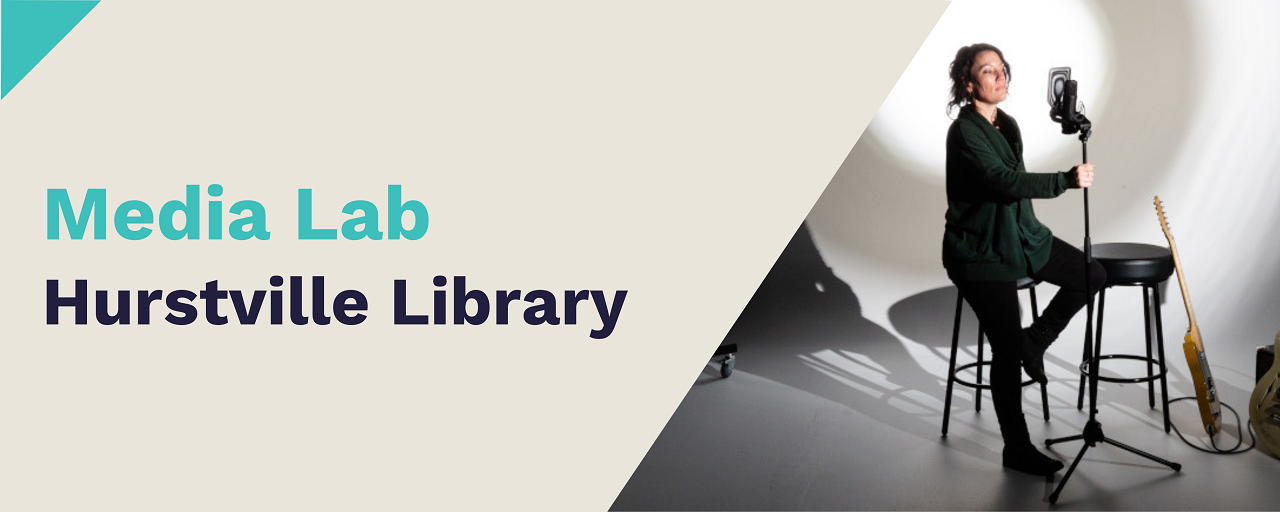
The Media Lab is a digital-creation space located within Hurstville Library. It is available for community use and regularly hosts workshops and events. It is equipped for a range of uses, with technology available for in-house use and also for loan.
Features: 20 person capacity - seated, white cyclorama, green screen, studio lighting, 4 Microsoft Studio Pros, free WI-FI. Equipment packs available for additional costs.
Cost:
- For non-commercial use
Hire of Media Lab (non-commercial use per hour) $31.00
Hire of Media Lab (non-commercial use half-day rate - 4 hours*) $96.00
Hire of Media Lab (non-commercial use full-day rate - 8 hours*) $196.00
*If you are booking more than 1 hour of this facility, please email to library@georgesriver.nsw.gov.au before making a payment.
Hire of Media Lab equipment pack for non-commercial use in-house (per pack, per hour) $10.00
- For commercial use *To hire Media Lab for commercial use,, please send your enquiry to library@georgesriver.nsw.gov.au before making a payment.
Hire of Media Lab (commercial use per hour) $93.00
Hire of Media Lab (commercial use half-day rate - 4 hours*) $290.00
Hire of Media Lab Booth (commercial use full-day rate - 8 hours*) $580.00
Hire of Media Lab equipment pack for commercial use in-house (per pack, per hour) $30.00

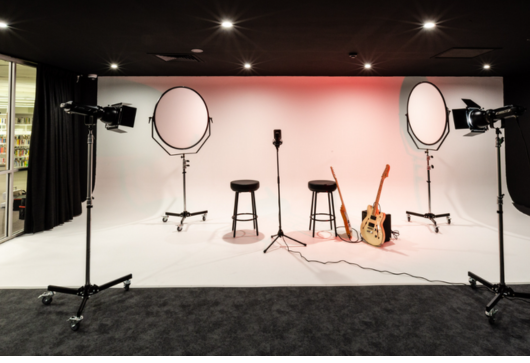
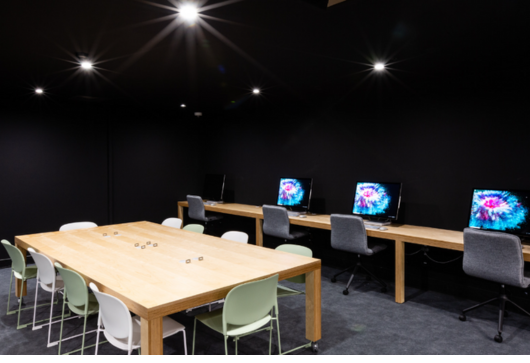
The Media Lab is equipped with a white screen cyclorama wall, a chroma key background and professional studio lighting. It also has a large table for collaborative working, four Microsoft Surface Studio PCs with the Adobe Creative Suite for all your creative project needs.
To take your projects to the next level, the library has equipment packs available for in-house hire. These packs cover a variety of uses including podcasting, professional photography and audio recording.
Also available to loan for library members are digital content creation tools including items such as DSRL cameras, audio production tools and musical instruments from the Digital Tool Library and Musical Instrument Collection .

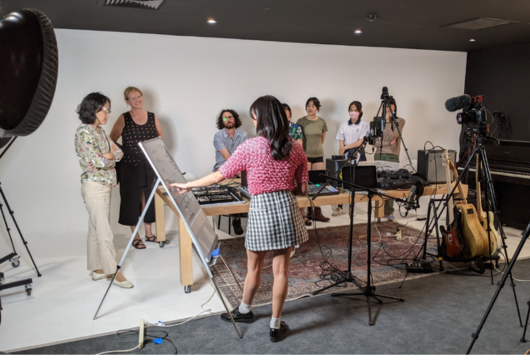
The Media Lab hosts a range of technology-based workshops and events throughout the year.
Check out our Eventbrite for information about upcoming events and workshops.

Not sure how to use the equipment or software?
Use your Library Card Number and PIN to gain free access to LinkedIn Learning and learn software, technology and creative skills at your own pace.
Here are some recommended online courses to get you started:
- Podcasting Basics
- Learning Video Lighting
- Green Screen Techniques for Video and Photography
- Learning Studio Lights and Flash Lighting
View our list of LinkedIn Learning course for Adobe Creative Suite, Microsoft Suite, and creative skills.

If you would like to arrange a tour of the Media Lab before booking, or to discuss your project idea and how we can support you, get in touch at library@georgesriver.nsw.gov.au
Terms and Conditions
To view the Terms and Conditions for hiring and using Georges River Libraries rooms, please click the link below:
View Terms and Conditions (PDF)
For further information or enquiries regarding Georges River Libraries rooms, please contact the library at library@georgesriver.nsw.gov.au
Acceptance
By clicking 'I Agree' you acknowledge and agree to the room hire terms, conditions and charges. You will be taken to the room booking.
I Agree