Accessible eLibrary
eLibrary accessibility intro
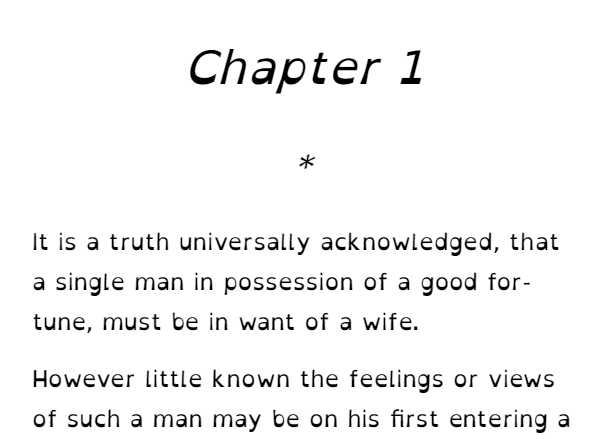
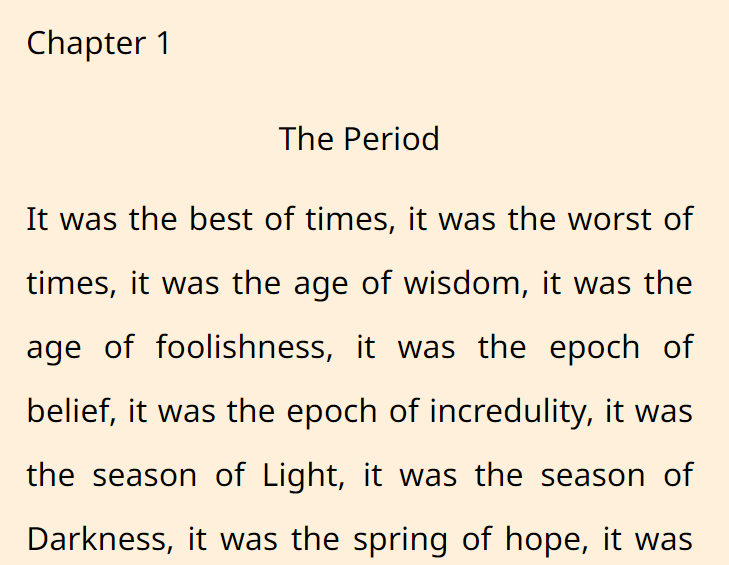
The eLibrary has lots of features to make reading easier and more enjoyable. Change the font style (including Dyslexic font), font size and background colour, listen to eAudiobooks or use the text-to-speech features, or read in your own language, including Auslan translations.

Large Print eResources

Text-to-speech

The indyreads app has a built-in read-aloud feature.
Tap the middle of the screen and press the play button (the triangle pointing right).

When you are researching and learning with Britannica Online, you can listen to the articles (in an Australian accent).
Just click on the sound/speaker button.
Change the speed to suit your preference.

When you are researching and learning with Gale databases, you can listen to the articles.
Just click on the sound/speaker button.
Click on the three lines to change the speed to suit your preference.
Auslan/Sign Language
Watch children's stories with Auslan translations on StoryBox and LOTE4Kids.
Sign in with your Library card number.
Select the Australian flag labelled Auslan Australian Sign Language.
Other Sign Languages included in LOTE4Kids are American Sign Language, British Sign Language and New Zealand Sign Language.

Sign in with your library card number and StoryBox password (not your library PIN/password).
Type the word "Auslan" in the search box to find almost 90 Auslan story times.
Read and watch in your language

Read or listen to eBooks and eAudiobooks in your language on Libby:
PressReader provides access to thousands of digital newspapers and magazines, in English and 65 other languages.
Click Sign in and select Library or Group. Log in with your library card number and PIN/password.
Use the filters to choose your language or country/region.
LOTE4Kids has children's story videos in over 75 languages.
Search your language or choose the flag associated with it.
Watch the stories in your language, English, or even bilingual.
When you are researching and learning with Gale databases, you can translate the articles.
Select the translate button to choose from languages that Google translate offers.
You can translate just the article, or the whole Gale interface.
When you are researching and learning with Britannica Online, you can translate the articles.
Select the translate button (the world symbol) to choose from languages that Google translate offers.
This will translate the whole page, including buttons and labels.