Download the App

Download the app
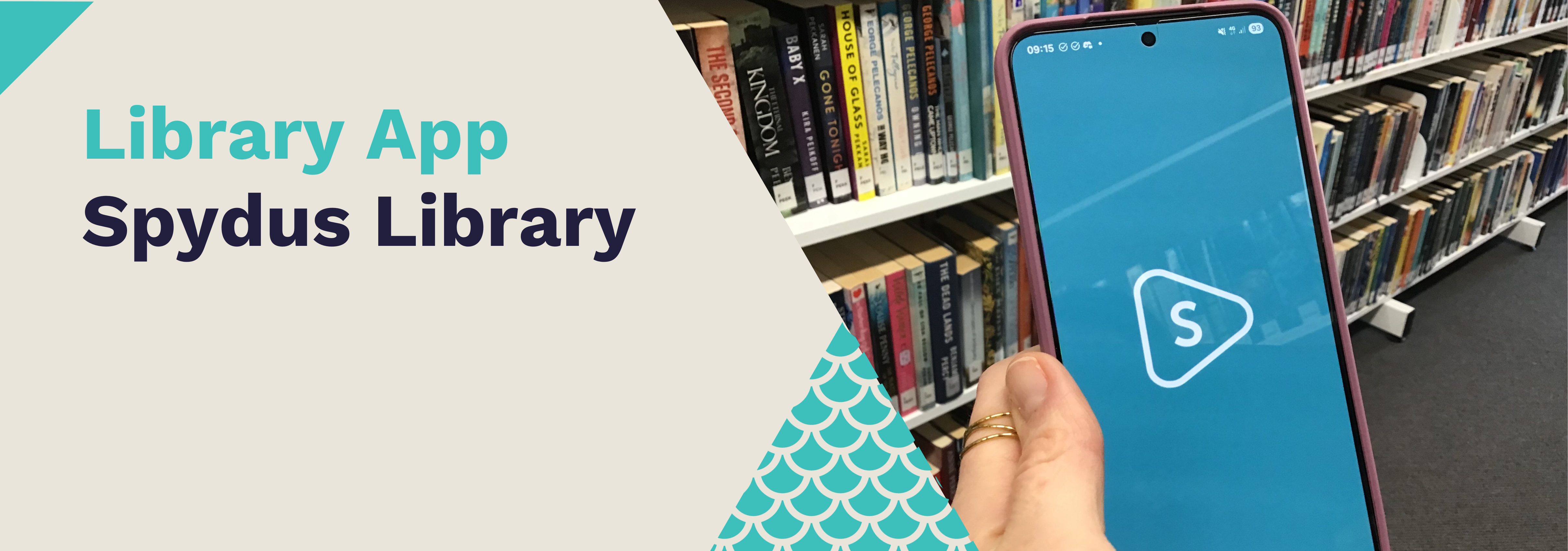
Download the Spydus Library app for free from Google Play or the Apple App Store to your phone or tablet.


Log in
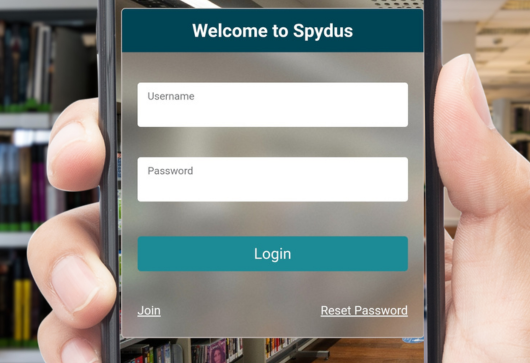
- Open the Spydus Library app
- Tap Log In or Join
- Enter your library card number and PIN/password
- Add more cards (e.g. the kids' cards) if you want
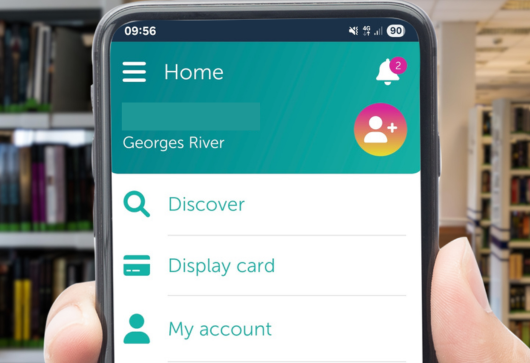
Now you can:
- Store your library barcode
- Check your loans, due dates, digital loans, reservations, charges and borrowing history
- Search our collection
- Reserve items
- Renew your items
- Scan a book's ISBN to check if it's in our collection